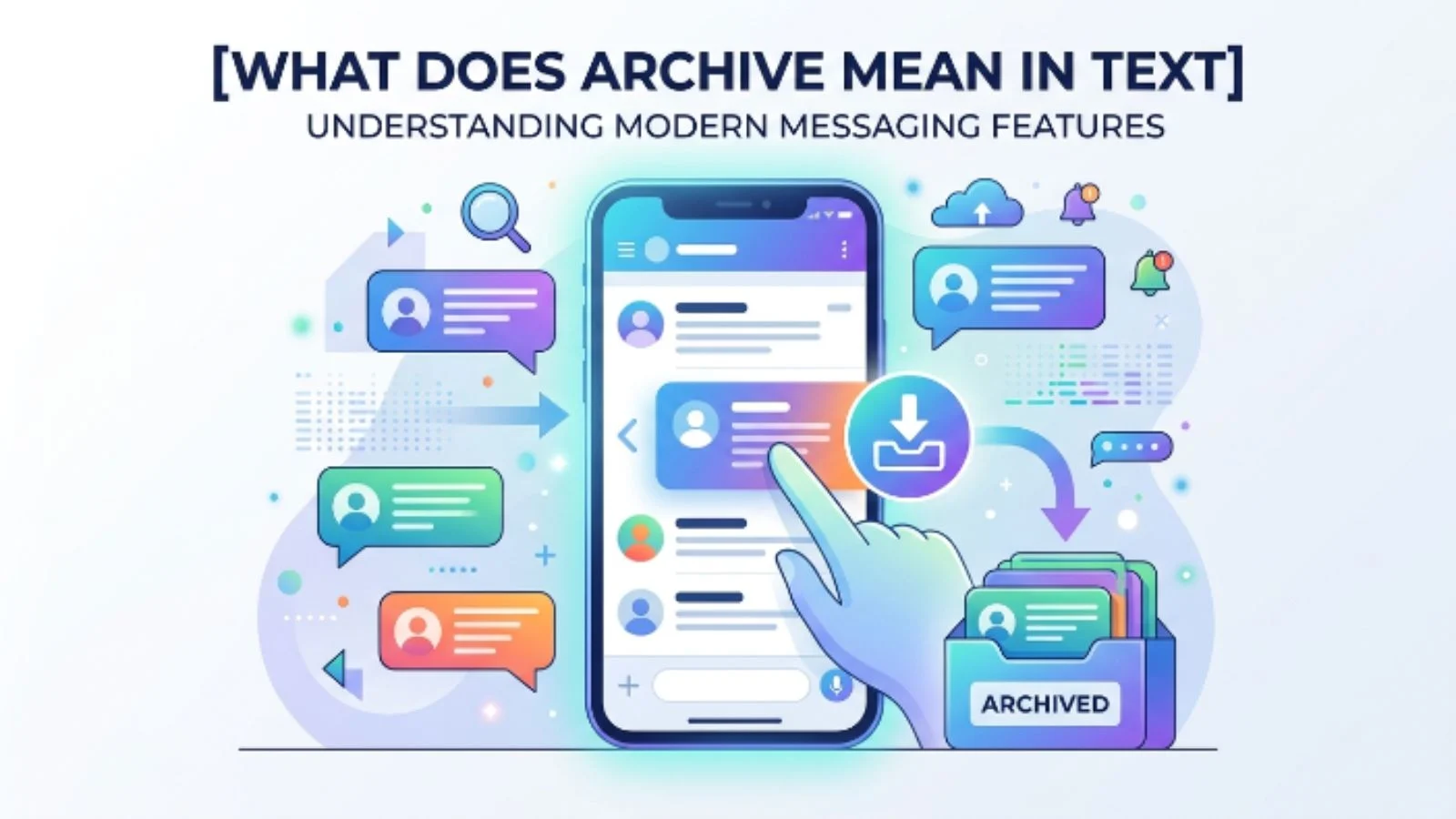
Have you ever seen the word “archive” in a text conversation, social media app, email, or messaging platform and wondered what the person actually meant?
You are not alone. The word archive can have a slightly different meaning depending on whether someone is talking about a message, a chat, a photo, or a post.
In most cases, though, it has a simple meaning: to move something out of your main view without deleting it.
But there is an important difference between archiving and deleting, and understanding that difference can save you from accidentally losing something important.
What Does Archive Mean in Text?
When someone says “archive” in a text or messaging context, they usually mean to hide or move a conversation, message, file, or other content from the main list while keeping it available for later.
For example:
“I archived our old chat.”
This usually means the person removed the conversation from their main chat list, but did not delete the conversation.
In simple terms:
Archive = hide or store something away without permanently deleting it.
The exact behavior depends on the app or platform. Some services place archived conversations in a separate folder, while others simply remove them from the main screen.
What Is the Simple Meaning of Archive?
The easiest way to understand archive is to think about putting an old document into a filing cabinet.
You do not throw the document away. You simply move it somewhere else because you do not need to see it every day.
Digital archiving works in much the same way.
When you archive something, you usually:
- Remove it from the main view
- Keep the information saved
- Make it less visible or less cluttered
- Leave the option to access it later
- Avoid permanently deleting the content
So, if someone says “I archived it,” they generally mean they stored it away rather than getting rid of it.
What Does Archive Mean in a Text Message?
If the word archive appears in a text conversation, its meaning depends on how it is being used.
For example:
“I archived the messages from my old phone.”
Here, the person may be saying that they stored those messages somewhere for future reference.
Another example is:
“Don’t worry, I didn’t delete the chat. I just archived it.”
This makes the meaning especially clear. The conversation has been removed from the person’s main chat area but preserved.
Sometimes people also use “archive” casually to describe putting old conversations, pictures, or information somewhere they do not regularly look.
Where Is Archive Used?
The archive feature appears across many digital platforms.
Messaging Apps
Many messaging services allow users to archive conversations.
When you archive a chat, it may disappear from your regular chat list while remaining accessible in an archive section.
This is useful when you want to clean up your inbox without losing conversations.
Email services commonly use archiving.
Instead of deleting an email, you can archive it to remove it from your inbox while keeping it in your account.
For example:
“I archived the email because I don’t need it right now.”
The email is still saved, but it is no longer sitting in the inbox.
Social Media
Some social platforms allow you to archive posts, stories, photos, or other content.
For example:
“I archived my old Instagram posts.”
This generally means the posts were hidden from the public profile rather than permanently deleted.
Photos and Files
People may also archive photographs, documents, and other files.
The purpose is usually organization. Content that is not needed immediately can be stored somewhere separate while remaining available.
Why Do People Archive Messages?
There are several reasons someone might archive a conversation.
1. To Clean Up Their Chat List
If your messaging app contains hundreds of conversations, the main screen can quickly become difficult to manage.
Archiving older chats helps keep the active conversation list organized.
2. To Keep Old Conversations
Someone may not want to see an old conversation every day but may still want to keep it.
Archiving provides a middle option between keeping it visible and deleting it.
3. To Reduce Clutter
People often archive conversations they are finished with but may need later.
This is particularly useful for work messages, school conversations, receipts, appointment information, or important discussions.
4. To Organize Information
Archiving can help separate current conversations from older ones.
Instead of deleting everything you no longer need immediately, you can store it away.
5. To Hide Something From the Main Screen
Sometimes people simply do not want a particular conversation appearing in their primary inbox or chat list.
Archiving can make the conversation less prominent without removing it completely.
Real-Life Examples of “Archive” in Text
Understanding examples is one of the easiest ways to learn how the word is used.
Example 1: Old Conversation
Person A: “Where’s our old group chat?”
Person B: “I archived it because we haven’t used it in months.”
Meaning: Person B moved the group chat out of the main chat list but probably kept it saved.
Example 2: Email
Person A: “Did you delete the email I sent?”
Person B: “No, I archived it.”
Meaning: The email was removed from the inbox but was not necessarily deleted.
Example 3: Social Media
Person A: “Why can’t I see that post on your profile?”
Person B: “I archived it.”
Meaning: The person removed the post from the visible profile without necessarily deleting it.
Example 4: Personal Messages
Person A: “Did you keep our old messages?”
Person B: “Yeah, I archived them.”
Meaning: The messages were stored rather than thrown away or permanently deleted.
Archive vs Delete: What’s the Difference?
This is one of the most important distinctions to understand.
| Term | Meaning | Usually Permanent? |
|---|---|---|
| Archive | Move content out of the main view while keeping it | No |
| Delete | Remove content from the account or device | Often yes |
| Hide | Make content invisible from a particular view | Usually no |
| Save | Keep content for future access | No |
| Remove | Take something away from its current location | Depends on the platform |
The biggest difference is that archiving generally preserves the content, while deleting is intended to remove it.
However, platform behavior can vary. Always check how a particular app handles archived content before assuming it can never disappear.
Does Archiving Mean Someone Is Ignoring You?
Not necessarily.
If someone says:
“I archived our chat.”
That does not automatically mean they are angry, avoiding you, or trying to end the relationship.
They may simply be organizing their messages.
For example, someone with a busy inbox might archive hundreds of old conversations simply to keep the main screen clean.
The meaning depends on the context and the person’s reason for doing it.
Avoid assuming an emotional meaning when the word is being used as a technical feature.
Does Archive Mean Delete?
No, archive and delete are generally not the same thing.
Archiving normally means storing something away while keeping it accessible.
Deleting normally means removing the content.
For example, if you archive an old email, you can usually find it again later. If you delete it, it may move to a trash or deleted-items folder and eventually be permanently removed.
Because every platform has different rules, it is smart to check the app’s specific archive and deletion features.
When Should You Use Archive?
Archiving is useful when you want to keep something but do not need it in front of you.
You might archive:
- Old conversations
- Completed work messages
- Emails you have already handled
- Old social media posts
- Photos you want to keep privately
- Documents you may need later
- Group chats that are no longer active
A good rule is:
If you may need it later but do not need to see it now, archiving may be better than deleting.
Common Misunderstandings About Archive
“Archive means permanently delete.”
This is probably the most common misunderstanding.
In most digital contexts, archiving is designed to preserve content while moving it away from the main view.
“If a chat is archived, it is gone forever.”
Usually, no.
An archived conversation can often be found through an archive section, search function, or another part of the app.
“Archiving means someone doesn’t care about the conversation.”
Not necessarily.
A person may archive a chat simply because it is old or because they want a cleaner inbox.
“Archive works exactly the same on every app.”
No.
Different platforms can handle archived messages, posts, emails, and files differently.
Some may keep archived conversations permanently accessible, while others may change how archived content appears when a new message arrives.
Pro Tips for Using Archive Correctly
Check Before You Delete
If your goal is simply to remove something from view, choose Archive rather than Delete when the platform offers both options.
Know Where Archived Content Goes
Before archiving something important, learn where the app stores archived content.
This makes it easier to find later.
Do Not Assume Archive Means Private
Archiving something does not necessarily make it private.
If you archive a social media post, for example, the exact privacy behavior depends on the platform.
Use Search When You Cannot Find an Archived Item
Many apps allow you to search for archived emails, conversations, or files.
If something seems to have disappeared after archiving, search for it before assuming it was deleted.
Consider Your Purpose
Ask yourself:
“Do I want this gone, or do I simply want it out of my way?”
If you want to keep it, archiving may be the better choice.
How to Respond When Someone Says “I Archived It”
If someone tells you they archived a conversation, you usually do not need to interpret it emotionally.
You can simply respond:
“Okay, got it.”
Or, if you need clarification:
“Do you still have access to it?”
This keeps the conversation clear without making assumptions.
Final Thoughts
So, what does archive mean in text?
In most cases, archive means to move a message, chat, email, post, or other content out of the main view while keeping it available for later.
It is essentially a way to organize digital content without immediately deleting it.
If someone says they “archived the chat,” they usually mean they stored the conversation away rather than permanently removing it.
The most important thing to remember is the difference between archive and delete. Archive generally means “keep it, but move it out of sight,” while delete generally means “remove it.”
Because different apps handle archived content differently, always consider the specific platform and context before interpreting the word.
Frequently Asked Questions
1. What does archive mean in texting?
Archive usually means moving a conversation or message out of the main view while keeping it saved. It is generally different from deleting the conversation.
2. Does archive mean delete?
No. Archive usually means store or hide something without deleting it. However, the exact behavior can vary between apps and platforms.
3. Can you get an archived chat back?
Usually, yes. Many apps allow you to access archived conversations through an archive folder, search feature, or chat settings.
4. Why would someone archive a text conversation?
Someone might archive a conversation to reduce clutter, organize their messages, or keep an old conversation without having it appear in the main chat list.