Have you ever been reading a text, scanning a blog post, or scrolling through social media when suddenly—bam! You hit a bizarre sequence of symbols like <锟絗锟?
It looks like alien code. It looks like a secret password. Or maybe a modern meme you missed out on?
If you were confused, do not worry. You are not out of the loop, and nobody is texting you in code. In this guide, we are going to break down exactly what <锟絗锟 means in text, why it pops up on your screen, and how to make sense of this strange internet phantom.
What Does <锟絗锟 Mean in Text?
To give you the short, direct answer right away: <锟絗锟 does not have a hidden slang definition, nor is it modern internet shorthand.
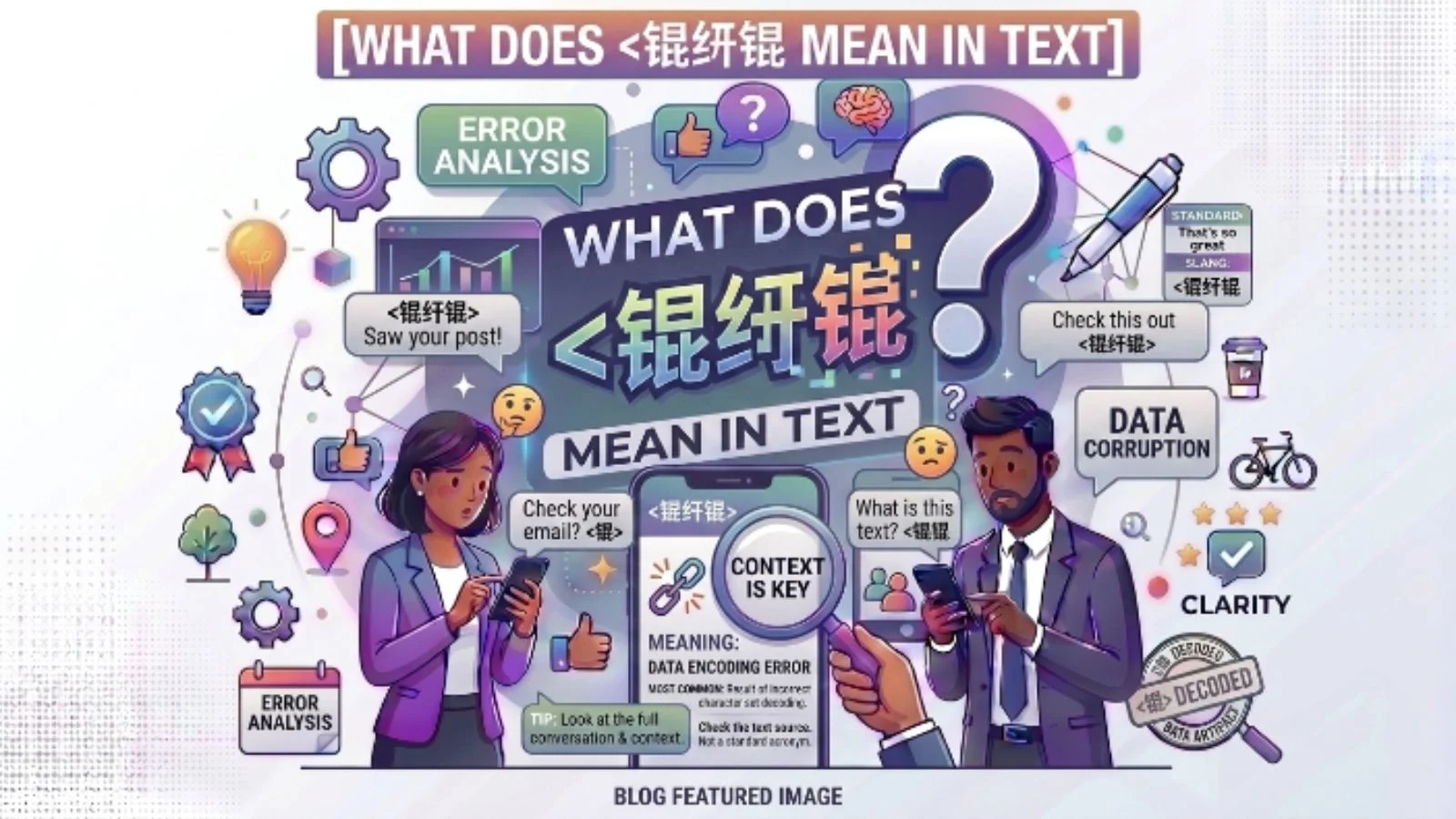
<锟絗锟 is a text encoding error (often called mojibake or corrupt text) that happens when a computer system tries to display text using the wrong character encoding standard.
Specifically, it is the result of double-encoding errors involving UTF-8 and GBK / GB2312 (Chinese character encoding formats), frequently combined with the standard Unicode Replacement Character ().
When a system fails to read the original characters correctly, it swaps them out for broken placeholder sequences, leaving you with the dreaded <锟絗锟.
The Simple Meaning (Explained in Plain English)
Let us skip the heavy computer science jargon for a second and use an everyday analogy.
Imagine you write a letter in English and mail it to a friend. Your friend speaks English, but their mail carrier only understands a custom dialect of ancient Greek. The mail carrier attempts to translate your letter into Greek, fails halfway through, replaces the words they do not know with random question marks, and hands it over.
By the time your friend opens the envelope, your original message of “Hey, see you at 5!” has turned into garbled nonsense.
That is precisely what happened when you see <锟絗锟:
- The Original Text: Someone typed standard characters (letters, accented characters, emojis, or foreign scripts like Chinese, Japanese, or Arabic).
- The Translation Mix-Up: The server or device sent the data using one ruleset (like UTF-8), but the receiving app read it using another ruleset (like standard GBK).
- The Glitch: The system threw up its hands, corrupted the data, and displayed
<锟絗锟instead of your real message.
Where Is <锟絗锟 Used?
Since <锟絗锟 is a technical rendering glitch rather than intentional slang, you will not find people typing it on purpose during normal conversations. However, you will spot it in several common digital environments:
1. Cross-Platform Texting and Messaging Apps
If someone sends a text from an older device, a regional mobile network, or a non-standard third-party SMS app, the receiving device might fail to parse special characters, outputting <锟絗锟.
2. E-Commerce and International Shopping Sites
When browsing global storefronts (like AliExpress, Taobao, or imported goods databases), translated product titles or customer reviews often pass through multiple automated database conversions. A failure in database character mapping frequently results in strings like <锟絗锟.
3. Video Game Chat and Subtitles
If you play online multiplayer games with global servers (such as MMOs or competitive shooters), localized text, custom player names, or non-English characters often break into <锟絗锟 if your local game client lacks the proper font package.
4. Imported Software, Web Browsers, and Old Websites
Older web pages built without universal UTF-8 meta tags often break when rendered on modern web browsers, replacing curly quotes, em-dashes, or accented letters with this specific string.
Why Do People (or Systems) Use It?
As established, human beings do not type <锟絗锟 to express feelings or share ideas. Systems generate it automatically when data corruption occurs.
Here is a breakdown of why this exact pattern forms behind the scenes:
- The Replacement Character (): When a computer encounters bytes it cannot decode, it inserts
U+FFFD(the black diamond with a white question mark). - Double Encoding Failure: If a system takes that replacement character “ (which is encoded as
EF BF BDin UTF-8) and misinterprets those exact bytes as if they were written in the GBK character set, the byte sequence converts directly into the Chinese character 锟 (EF BF) and 絗 (BD ...). - Repeated Chains: When whole strings of text break, the sequence loops repeatedly, yielding the signature pattern
<锟絗锟or锟斤拷(often referred to in Chinese developer communities as “Jin Kao” corruption).
Real-Life Examples of <锟絗锟 in Action
To help you identify when this happens in the real world, here are a few scenarios:
Example 1: The Corrupted Text Message
- What was sent: “Let’s grab lunch at Café René! 🍕”
- What you receive: “Let’s grab lunch at Caf<锟絗锟 Ren<锟絗锟!”
- What happened: The accented
éand the pizza emoji were destroyed by an incompatible SMS gateway.
Example 2: The Broken Web Article
- Headline on an old blog: “The Ultimate Guide to Rock ‘n’ Roll”
- Headline displayed on screen: “The Ultimate Guide to Rock <锟絗锟 n <锟絗锟 Roll”
- What happened: The smart (curly) apostrophes were saved in an older encoding format that your modern browser failed to read.
Example 3: International Email Newsletters
- Subject line: “Your order confirmation for #9402”
- Body text: “Thank you for shopping with us! Your total is <锟絗锟50.00.”
- What happened: The foreign currency symbol (like £, €, or ¥) failed to encode properly during automated mass emailing.
<锟絗锟 vs Similar Text Glitches and Slang
It is easy to confuse technical glitches with actual internet slang or generic error symbols. Here is a clear comparison to help you spot the difference:
| Term / Symbol | Type | Meaning / Cause | Can Humans Type It Intentionally? |
<锟絗锟 | Mojibake / Corrupt Code | Double-encoding glitch (UTF-8 to GBK translation error). | No (Generated by computer error). |
| “ | Replacement Character | Standard Unicode symbol for unknown/unreadable characters. | No (Inserted by software). |
Covfefe | Typo / Meme | Famous viral typo made on social media. | Yes (Used for comedic effect). |
AFK / BRB | Text Slang | Abbreviations (“Away From Keyboard” / “Be Right Back”). | Yes (Standard internet shorthand). |
N/A | Administrative Term | Stands for “Not Applicable” or “Not Available”. | Yes (Used in forms and text). |
When Should You Use It?
Short answer: Almost never.
Because <锟絗锟 is a character encoding bug, typing it into a normal text conversation will only leave your friends confused. They might assume your phone is broken, or that your message failed to send properly.
However, there are two rare situations where using it makes sense:
- Tech Support & Web Development: If you are reporting a bug to a web developer or software team, sending them the exact string
<锟絗锟helps them immediately identify that their database has a UTF-8 / GBK encoding conflict. - Developer Memes / Coding Jokes: Among programmers, system administrators, and web engineers, referencing
锟斤拷or<锟絗锟is a lighthearted inside joke about the endless frustration of fixing broken character sets.
Common Misunderstandings About <锟絗锟
Because this string looks so strange, several urban legends and misunderstandings have popped up around it over the years:
Myth 1: It is a secret code or cipher used by hackers.
Fact: It is completely harmless layout corruption. It carries no malicious payload, viruses, or hidden encrypted messages.
Myth 2: It is brand new Gen-Z slang.
Fact: This glitch has existed for decades, dating back to the early days of internationalized internet infrastructure and multi-byte character processing in the late 1990s and early 2000s.
Myth 3: Your phone or computer is infected with malware.
Fact: Seeing <锟絗锟 simply means the software you are using misread a piece of text. It does not mean your device is compromised.
Pro Tips for Fixing <锟絗锟 When It Appears
If you are a reader, developer, or content creator running into this issue, here is how to resolve it:
For Readers and Web Browsers
- Refresh the Page: Sometimes a temporary server hiccup causes text to render incorrectly.
- Force UTF-8 Encoding: If your web browser allows manual character encoding overrides, switch the encoding setting to UTF-8.
- Ask the Sender for a Resend: If a friend sent you a text containing
<锟絗锟, ask them to re-send the message without using special emojis, unique symbols, or stylized fonts.
For Developers and Content Creators
- Set Page Meta Tags: Ensure your HTML documents always declare UTF-8 in the head section:
<meta charset="UTF-8">. - Standardize Database Formats: Set your database tables and connections to
utf8mb4to support all global characters and modern emojis without data loss. - Avoid Mixing Encodings: Ensure your application does not read UTF-8 strings through legacy Asian codepages like GBK or Big5 during server processing.
Final Thoughts
The next time you open a message or web page and run into <锟絗锟, you can rest easy knowing there is no secret slang term you failed to memorize.
It is simply a digital translation stumble—a fascinating peek into how computers process, transmit, and occasionally scramble the global languages we use every day.
Frequently Asked Questions (FAQ)
Is <锟絗锟 dangerous to click on?
No, it is not dangerous. It is not a link or a virus; it is purely visible text that failed to render correctly on your display.
Why does this specific sequence keep showing up instead of other random symbols?
Because of how UTF-8 byte markers (specifically the standard Unicode replacement character U+FFFD) match up with the Chinese GBK character map. When that specific conversion fails repeatedly, it consistently generates those exact Chinese characters (锟 and 絗).
How do I stop my phone from sending <锟絗锟 to other people?
Make sure your messaging app is set to send messages using automatic or Unicode encoding rather than simple ASCII or regional SMS formats. Also, avoid pasting stylized symbols or non-standard fonts into standard text messages.